by Consumer Sketch
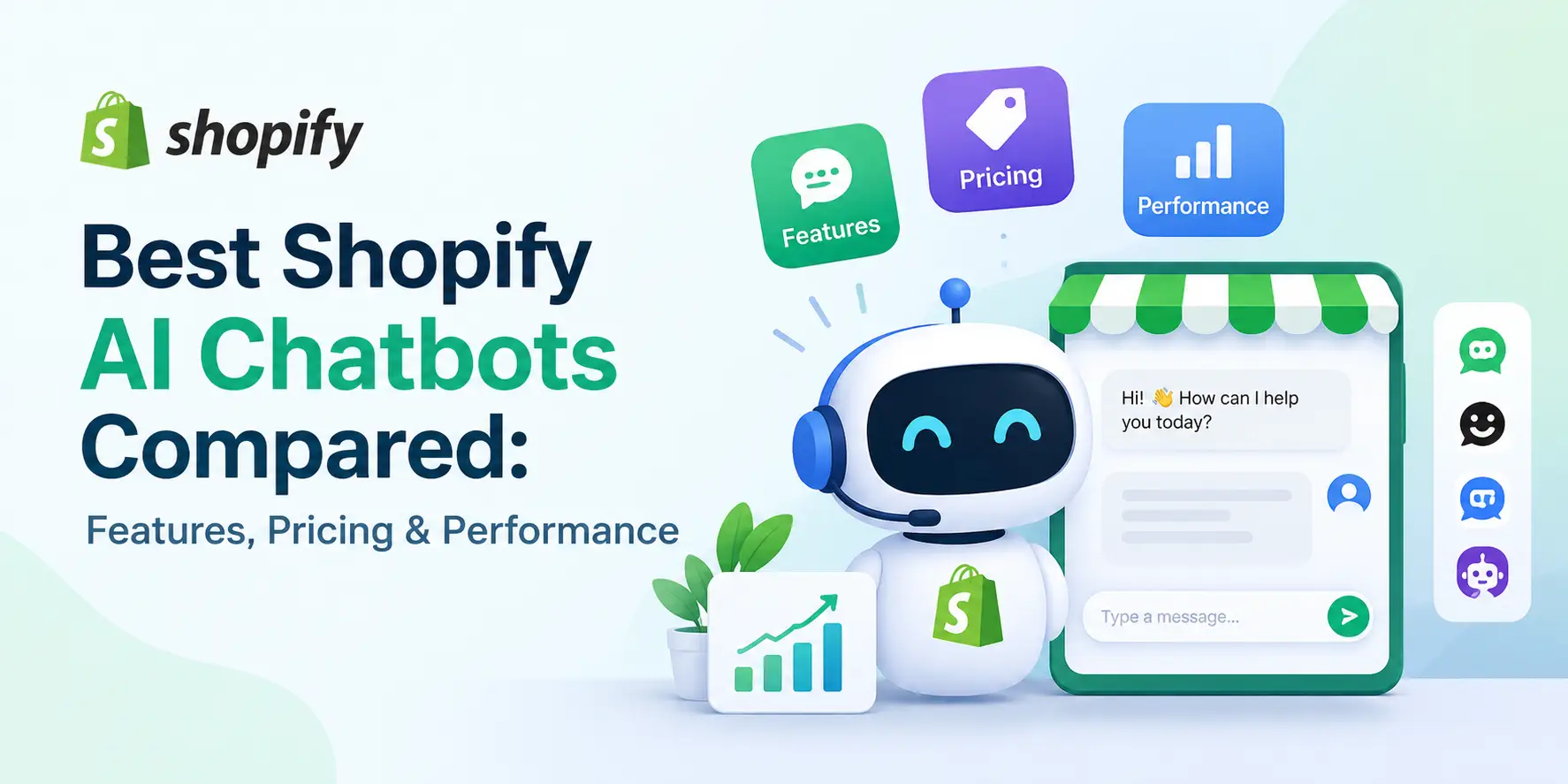
Best Shopify AI Chatbots Compared: Features, Pricing & Performance
October 15, 2026, 5:30 AM
Every day at some time or another, every single merchant using Shopify will face a common problem - they are being inundated by customer queries faster than they are able to respond. At this stage of development, many merchants turn to automated customer service options like Shopify AI Chatbots.
The first step to finding the best Shopify AI Chatbot for your business is identifying which area of customer service is causing you the greatest strain. In most cases, the strain occurs in several areas of customer service; these include repetitive questions that are answered multiple times throughout each day, abandoned shopping carts due to an unaddressed issue (e.g. size), and delayed responses to customers' inquiries long after they have lost interest in purchasing products from your site.
To assist you in determining which of the 8 Shopify AI Chatbots we reviewed below will give you the most rapid return on your investment via automation, we have evaluated each based on four criteria: feature set, pricing model, integration capability with Shopify, and overall performance in real-world application.
What Is a Shopify AI Chatbot?
The Shopify AI chatbot acts as a trained support agent reading customer questions, understanding the underlying intent of each poorly worded, often misspelled question and responding in simple language. The AI chatbot is connected to the shopify backend system and can therefore check if products are in stock, what the return policy is for a specific product, when an order will ship and what products might best suit a customer’s needs.
Best Shopify AI Chatbots
The eight Shopify AI chatbots below span free native tools through enterprise helpdesks. Each profile covers key features, pricing, strengths and limitations, and the type of store it suits best.
1. Shopify Inbox: Best Free Native Chat Option
Shopify Inbox is available on each of the plans that Shopify offers and is built directly into the Shopify merchant's admin system they utilize daily. Both merchant's online storefront and Shop App customer interactions are collected into a single stream of activity. Shopify's AI then generates recommended responses based on products sold by the merchant, and store policies.
- Key Features: Storefront and Shop app chat, AI-suggested replies, instant answers, product and discount sharing.
- Pricing: Free.
- Pros and Cons: Immediate setup and zero added cost make it an easy starting point. Automation remains elementary, and email and social messages require a separate tool.
- Best For: Early-stage stores establishing their first live chat channel.
2. Tidio: Best for Small and Growing Stores
Tidio is in the sweet spot for small business owners because it sits somewhere between simple chat and robust help desk applications. It uses an AI bot named Lyro to pull information from a merchant’s FAQ page and other support resources, and as reported by Tidio, approximately two-thirds of routine customer service questions are resolved without human intervention. In addition to being a support channel for a small team, Tidio provides a basic level of sales assistance through its automated visual flow capabilities (i.e. cart recovery and lead capture).
- Key Features: Lyro AI agent, live chat, shared inbox for email and social, cart recovery flows, visitor tracking.
- Pricing: Free plan available; paid plans begin at $29/month, with Lyro billed separately by conversation volume.
- Pros and Cons: Approachable interface and strong value at entry level. Lyro expenses scale with traffic, so promotional calendars deserve a cost forecast.
- Best For: Small and growing stores automating their most frequent questions.
3. Gorgias: Best for Ecommerce Customer Support
Gorgias views each individual support ticket as another step in the process of purchasing items from your store. Agents have access to a complete history of the customer's orders when reviewing a support ticket. This includes the total amount paid by the customer for each order they have placed, as well as the current status of each order. Agents can modify any of those orders, including issuing refunds, editing details about an order, and/or canceling an order. The AI Agent in Gorgias is capable of completely handling all tracking issues and returns from beginning to end.
- Key Features: In-ticket Shopify order actions, AI Agent, macros and rules, email and social inbox, revenue reporting.
- Pricing: From $10/month for 50 tickets; AI resolutions billed individually.
- Pros and Cons: The most thorough Shopify integration in this comparison, backed by mature automation. Volume-based billing can climb sharply in November and December.
- Best For: Established stores with consistent ticket volume and a revenue-minded support team.
4. Re:amaze: Best for Multichannel Support
Customers typically don't restrict themselves to using only a single form of communication. An example would be if a customer sent an inquiry through Instagram. The next day, the agent responds via email. Later on that same day, the agent has a live chat conversation with the customer. Re:amaze is able to integrate chat, email, social media, and SMS into one unbroken thread. Agents can view the entire history of interactions they've had with every individual customer in one place.
Key Features: Multichannel inbox, AI replies and summaries, chatbots, proactive messaging, built-in FAQ portal.
Pricing: From $29 per team member per month.
Pros and Cons: Broad channel coverage with a help center included. Per-seat pricing compounds as headcount grows.
Best For: Brands whose customers move freely between channels.
5. Richpanel: Best for Customer Self-Service
Richpanel has developed a customer-facing self-service portal (using live Shopify data) which enables customers to do each of the top three types of help desk inquiries for e-commerce, i.e., check the status of orders, initiate returns, and update their shipping/billing addresses. When customers need to speak with a person, those tickets are forwarded to a customer service representative with the customer's prior order history, as well as automatic suggested responses generated via AI.
Key Features: Self-service portal, customer-initiated order edits, AI reply suggestions, unified inbox, deflection analytics.
Pricing: Approximately $29 per agent per month, with a free trial.
Pros and Cons: A measurable drop in repetitive tickets and a portal shoppers find intuitive. Proactive sales features are less developed than in Tidio or Re:amaze.
Best For: Stores where order tracking and returns dominate the queue.
6. Chatbase: Best for Knowledge-Based AI Chatbots
Chatbase begins with knowledge. Merchants create a personalized AI agent from their content (such as product descriptions, size guides, care labels, policy documents) and the agent responds with the accuracy of an educated salesperson. The benefit of this type of AI increases as products become more complex; for example, skincare companies answering questions about ingredients and electronics retailers checking for compatibility issues. The quality of responses is directly related to the quality of the sources used to train the agent.
Key Features: Custom AI trained on store content, embeddable widget, API access, lead capture, conversation analytics.
Pricing: Free plan with limited message credits; paid plans from $40/month.
Pros and Cons: Fast to train and highly accurate on product detail. Order tracking and returns require additional integration.
Best For: Stores with technical or detail-rich catalogs.
7. Zendesk: Best for Larger Support Teams
Zendesk is built for organizations that have structured customer service operations. This includes scheduling, routing of tickets, quality review of tickets, and service level agreements (SLAs). Zendesk AI agents automatically resolve basic tickets. The ticket's intent and sentiment are used by Zendesk to route tickets to the appropriate agent depending on the topic of the ticket and the user's perception of the ticket.
Key Features: AI agents, intent and sentiment triage, generative writing tools, omnichannel inbox, advanced analytics.
Pricing: Suite plans from $55 per agent per month; advanced AI sold as an add-on.
Pros and Cons: Proven reliability at scale with exceptional reporting depth. Implementation time and cost suit larger budgets.
Best For: High-volume brands operating a dedicated support department.
8. Freshdesk: Best for Broader Customer Service Operations
Freshdesk is more than just customer service, it also has the ability to provide an IT and internal service management solution. This provides small businesses with multiple solutions through a single platform. Freshdesk's Freddy AI will assign tickets, suggest responses, and create a customer facing chatbot. Shopify order information can be viewed in each ticket, as well as the ability to track SLA (Service Level Agreement) to ensure that all teams are aware of when tickets should be responded to.
Key Features: Freddy AI routing and suggestions, self-service bot, Shopify order data in tickets, workflow automation, SLA management.
Pricing: Free plan for small teams; paid plans from $15 per agent per month, with Freddy AI on higher tiers.
Pros and Cons: Accessible entry pricing and broad organizational flexibility. Ecommerce-specific automation is lighter than in Gorgias or Richpanel.
Best For: Expanding businesses consolidating customer and internal service on one platform.
Best Shopify AI Chatbots at a Glance
The table below condenses this comparison into the details that matter most during shortlisting.
|
App |
Best Use Case |
Starting Price |
AI Capabilities |
Shopify Integration |
Free Plan or Trial |
Main Limitation |
|
Shopify Inbox |
Free native chat |
Free |
Suggested replies, instant answers |
Native |
Free |
Elementary automation |
|
Tidio |
Small and growing stores |
$29/month |
Lyro AI agent |
Strong |
Free plan |
Lyro costs rise with traffic |
|
Gorgias |
Ecommerce support |
$10/month |
AI Agent, intent detection |
Deep, with order actions |
Trial |
Volume-based billing |
|
Re:amaze |
Multichannel support |
$29/seat/month |
AI replies, summaries, chatbots |
Solid |
Trial |
Per-seat cost |
|
Richpanel |
Self-service |
~$29/agent/month |
Reply suggestions, routing |
Order-level sync |
Trial |
Limited proactive tools |
|
Chatbase |
Product knowledge |
$40/month |
Custom-trained AI |
Widget and API |
Free plan |
Extra setup for orders |
|
Zendesk |
Large support teams |
$55/agent/month |
AI agents, triage, writing tools |
Order data in tickets |
Trial |
Higher cost, longer rollout |
|
Freshdesk |
Company-wide service |
$15/agent/month |
Freddy AI |
Order data in tickets |
Free plan |
Lighter ecommerce automation |
When evaluating Shopify chatbots, the resolution rate, or percent of conversations the AI resolves without human intervention, and the cost per resolved conversation provide a better understanding of the total cost of ownership than simply looking at starting prices. It is possible that a plan based upon tickets would have a higher total cost than a per-seat subscription plan during high-volume periods.
Also, although a free tool has no direct costs associated with it, there are other types of expenses involved such as agent time required to answer questions that could be automated. When considering a Shopify chatbot app, it is important to remember that many times apps with higher sticker prices but high resolution rates end up being less expensive overall.
Final Verdict
Each of the platforms compared here are designed for different types of online stores. New store owners can get reliable customer support via chat using Shopify Inbox. Small businesses that want to start automating their customer service can find the best deal on Tidio. If you need your customer service and order processing to work together, then Gorgias is the right choice.
The best Shopify AI chatbot for your store is the one that has the ability to solve your biggest support issue. When selecting an AI chatbot tool you should consider all aspects equally: how well does it perform? How much will it cost to implement? What are the actual features of the tool? You should narrow down your selection to 2-3 tools. Test them out on some actual questions from customers that have contacted you within the past few months.
Recognized for Excellence