
How AI Coding Assistants Are Changing Daily Dev Workflows
October 27, 2026, 5:30 AM
Before anything can be achieved in software development, the developer must read the existing code that surrounds the new functionality. Reading the code is the most tedious aspect of software development. AI coding assistants have made the amount of time it takes to read and understand code significantly less. It was common for software developers to spend hours reading through files to find what they needed; however, with AI coding assistants, developers can get the answers they need in a matter of minutes.
As a result of this small change, there are many implications for US engineering teams. Most of the engineering team's day is spent defining problems and evaluating draft solutions. The AI coding assistant handles most of the coding in between.
This impacts the entire software development life cycle - from the initial prompt to generating code, to testing, reviewing, and deploying the application. Engineering teams are able to move much quicker than ever before. Those engineering teams who do so successfully maintain a critical and skeptical view of each phase of the process.
What Are AI Coding Assistants?
AI coding assistants use large language models to help developers complete many of their daily tasks including writing code, reading code, testing code, and maintaining code. Usually these assistants exist in the developer's working environment - either in the IDE (e.g., VS Code, JetBrains), the terminal, or a pull request on GitHub.
The value of these tools comes from the context. An AI-powered assistant reads the content surrounding the cursor, understands the team's naming conventions, and their error handling processes, and then develops code that conforms to these practices. While a spell-checker can recognize individual words, an editor can understand an entire manuscript. AI-based coding tools that outperform other AI coding tools behave like editors.
The category has grown up fast. While early versions were able to finish a line or two, current versions can provide a step-by-step explanation of how authentication works within a repository, generate an entire function based upon a two sentence description, execute the test suite, and initiate a pull request once all tests have passed.
As such, people are currently referring to the expanding scope of these activities as "AI Powered Software Development" - a development workflow model which allows the developer to maintain responsibility for setting the overall direction of the project and approving changes made by the AI Assistant; however, the AI Assistant is taking on an increasing amount of the work involved with executing those tasks.
How AI Coding Assistants Are Transforming Daily Developer Workflows
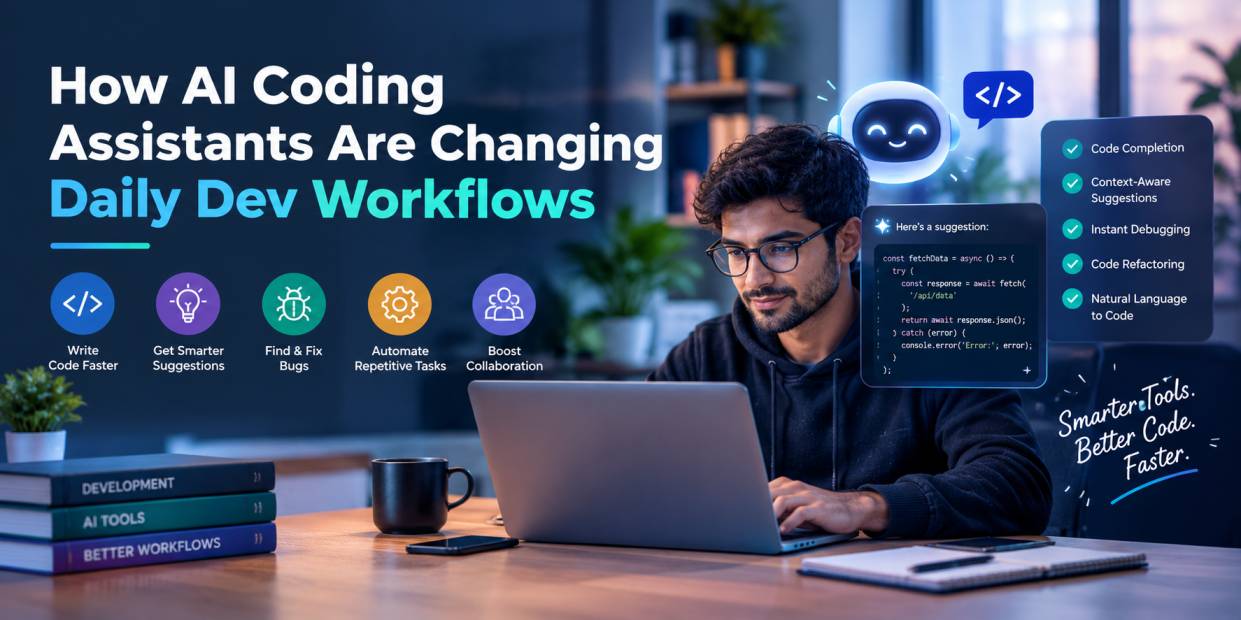
Most of the gains in developer productivity have surprisingly little to do with typing faster. They come from a reshuffled day, and five shifts account for most of it.
1. Turning Natural Language Prompts Into Working Code
Tasks start off as a paragraph of clear, plain language. An example of this is: "add cursor-based pagination to the orders endpoint so that the response format remains consistent because the mobile application uses it." What you will get back is a compiled draft based on your team's existing coding standards. The most successful developers using this approach write their prompts as though they are providing a knowledgeable new employee with a briefing on how to complete a task, along with any relevant limitations.
2. Generating Boilerplate and Repetitive Code
Spinning up a new service once meant an hour of config files, data models, validation rules, and CRUD routes that looked like every other set of CRUD routes. That scaffolding now appears in under a minute. It still gets reviewed, of course, but the review starts from something that runs. The recovered hour goes toward the parts of the feature a customer will actually touch.
3. Exploring Unfamiliar Codebases and Legacy Systems
Most organizations have been using code for years before the development team took control of it. A virtual assistant can track a call from the API gateway through three distinct services to the database, provide an explanation for a strange workaround implemented in 2017, and locate the exact file where a modification should take place. What used to be common knowledge among only two experienced developers is now accessible to all individuals who wish to learn. The most significant impact of this technology is experienced by new employees, who may make their first substantial contribution to the project in as little as a few days.
4. Automating Routine Development Tasks
Every sprint collects chores. Commit messages. Dependency bumps. A rename that touches forty files. A pile of lint warnings left over from last quarter. Agentic assistants work through this backlog in the background and generally run the test suite afterward to confirm everything still holds.
5. Moving From Individual Coding to AI-Assisted Collaboration
AI pair programming can turn your individual work into a conversation with a quick and reliable junior engineer that occasionally misunderstands what you need. When you sketch out an idea, your AI partner will help you draft it. If you disagree with their draft, they'll revise it. After you do that enough times, your team will begin to use AI-assisted software development as a craft that has its own set of rules. For example, your team may decide how to write the prompt for the AI, how much to review the code written by the AI, and when to keep all the work in human hands.
A single ticket makes the pattern concrete. A full stack engineer at a mid-sized SaaS company, halfway through a sprint, picks up a request to let customers download invoices as CSV files.
The first twenty minutes go to understanding. The engineer pastes the ticket into the assistant and asks where invoices live. The reply points to the invoice service, the database model behind it, and a PDF export written two years ago that already solves most of the problem.A engineer has requested a plan. He then changes a step to utilize the company's default file storage tool. After that, he allows the assistant to begin.
When the initial version is received, there will be an export end point, a background job that handles enterprise accounts that contain 10s of thousands of invoices, and unit tests to handle empty record sets as well as customer names that are filled with accents and commas. All tests pass on the first attempt. At this point, any experienced engineer would become suspicious. A manual check finds dates printed in UTC when they should show the customer's local timezone, the sort of bug that sails into production and resurfaces three weeks later as a puzzled support ticket. Ten minutes later, it is fixed.
By late morning the assistant has written up the pull request. The engineer reads the whole diff, adds a line about how the background job retries after a failure, and tags a reviewer. The ticket was estimated at two days. It closes before lunch, with the machine supplying the speed and the person supplying the one catch that mattered most.
Key Development Tasks AI Coding Assistants Can Improve
AI code generation tools are effective during routine development activities of a sprint. The following reviews how developers complete tasks using AI code generation, where AI can assist developers, and how developers verify the output of AI code generation prior to accepting the output as reliable.
Code Generation and Intelligent Autocomplete
The heart of what is done by a developer, i.e., new functions and modules continue to be created. Assistants provide developers with recommendations on what to write next, complete entire functions based on a single-line comment, and allow developers to stay focused during extended periods of development. The majority of code created by assistants can be generated in just seconds and will typically consist of about 80% of what is needed. It's during this time that experienced developers are able to use their expertise to create the other 20% of the code. All code generated by assistants needs to be reviewed to ensure that it meets team standards, has been optimized for performance, and does not have any licensing concerns.
Debugging Errors and Explaining Stack Traces
An entire day's worth of effort can be lost due to one obscure error message generated by your dev framework. AI debugging tools read the stack trace, determine what is probably causing the error, then describe the problem in language that a developer that has put in 8 hours of work can easily relate to after they look at it around 6:00 pm. It is still necessary to replicate the issue prior to implementing any proposed solution as some suggested solutions only mask the symptom.
Refactoring Code and Improving Readability
Somewhere in every codebase is a 400-line function that the entire team avoids. AI assistants can help divide this massive function into smaller, logical parts, rename variables so that they are more descriptive and update outdated coding styles. After the AI assistant has completed these changes, a complete test run will be the most convincing proof that the function's logic was successfully preserved during the process.
Writing Unit Tests and Identifying Edge Cases
Test coverage falls behind whenever deadlines get close. AI-assisted testing catches teams up quickly and tends to propose edge cases people overlook, such as null values, boundary inputs, and race conditions. Every assertion deserves a careful read. A test written to match buggy code will pass happily and keep the bug hidden.
Reviewing Pull Requests and Generating Documentation
The review process is falling behind schedule, and the documentation for our project is becoming less reflective of what actually exists. Automated Code reviews can be automated so that teams are able to find bugs, security issues, and style guide violations before they have to do a manual review of each PR. Also, assistants are able to create docstrings, update README files, and produce API references very rapidly.
Supporting API Integration and Database Queries
Integrations and queries live and die on small details. The assistant writes the SDK call, maps the request and response format, and converts the simple description into functional SQL. Verification of authentication, rate limit, and query performance should be done, and verification of the generated SQL is required to check for possible injection risks and slow performing joins on tables with millions of rows.
Popular AI Coding Assistants Developers Should Know
The field of AI programming tools is crowded, and the leading options differ mostly in how much independence they hand the assistant. Four names dominate when US teams talk about the best AI coding assistants, and many teams end up running two of them side by side.
1. GitHub Copilot for IDE-Based Assistance
Many developers have had their first experience with AI assistants through Copilot. This tool is available within VS Code, JetBrains IDEs, and Visual Studio. Copilot offers inline suggestions, a chat panel and also provides an agent mode which allows users to perform multi-step tasks. Since Copilot is so closely integrated with GitHub issues and pull requests, many development teams that are already using GitHub find that Copilot is an ideal tool to incorporate into their workflow.
2. Cursor for AI-Native Code Editing
Cursor is an end-to-end AI coding IDE that was developed with VS Code as a foundation. Cursor has been designed to operate as if it were a direct result of being built with an AI mindset. When developers are looking for ways to integrate AI into their development processes at least partially, they often use Cursor as their primary editor.
3. Claude Code for Agentic Coding Workflows
Claude Code, from Anthropic, behaves like a capable colleague handed a task. It reads the project, plans an approach, edits files across the codebase, and runs commands and tests as it goes. It works from the terminal and connects to popular IDEs, which suits engineers who are comfortable delegating real chunks of work while approving each step.
4. OpenAI Codex for Delegated Coding Tasks
Codex is built to allow you to hand off your work to others. When you have a bug to fix, a new feature to develop, or a question related to your repository, you assign it to Codex. Codex performs the task in an isolated cloud environment and then provides you with the changes you requested so you can review them.
Conclusion
AI coding assistants started out answering prompts. They can now assist you in virtually all stages of the process from creating a ticket to submitting your pull request.
The benefits of using these tools include tangible, quantifiable time savings that will endure if developers demonstrate authentic knowledge, apply rigorous testing, and make security a fundamental aspect of each review.
The best performing teams utilize AI to produce a strong first draft of code, while leaving the ultimate decision-making power in the hands of individuals.
Recognized for Excellence